


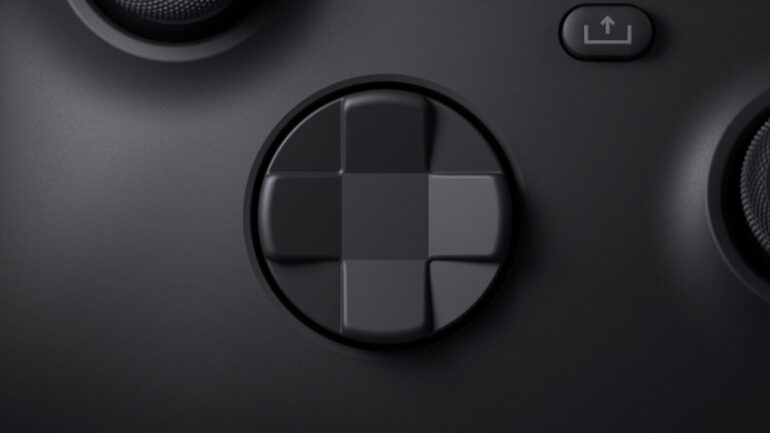
The Xbox Series X | S is all about options, allowing players to access games in almost whichever ways they want. That means that if you want to remap your buttons on your Xbox controller, you can.
As with all things when it comes to the Xbox UI, nothing is all that complex — you’re just a few button presses away from having the ability to remap your inputs on the Series X | S. Read on to find exactly how it works.
How To Remap Controller Buttons On Series X | S?
– First off, press and hold the middle Xbox button to bring up the side-panel.
– Select Settings. It should be in the list of apps if you’e recently used it, otherwise scroll to the right with RB until you find the cog symbol.
– Choose Ease of Access on the left side, then Controller, then Button Mapping.
From here, you can remap almost anything you like on your Xbox Series X | S controller, including inverting all stick movement and making sure there is no vibrations in the controller whatsoever.
You can also map buttons to others, so you can make A become Y if you so wish. There are a lot of ways to customise your button inputs, so be sure to experiment if you are unhappy with the default settings. You can hit restore to default at any time if you want to go back to factory settings.
You can even select different controller profiles for different games, so if you have specific controller settings in Fortnite or Warzone, for instance, you will be able to swap to those at any time.
Why Remap Buttons On Xbox Series X | S?
Two reasons: options and accessibility.
Microsoft have always been about giving options to players while also being as inclusive as possible. By ensuring that the layout of the Xbox Series X | S controller can be customised, they’re making sure that nobody is left behind in the ninth generation.
If you’re getting either of the consoles, find out how you can redownload old games and also how you can game share to save yourself some money for the biggest games.
READ NEXT: Xbox Series X | S: How To Upload Screenshots & Videos
Some of the coverage you find on Cultured Vultures contains affiliate links, which provide us with small commissions based on purchases made from visiting our site.
