


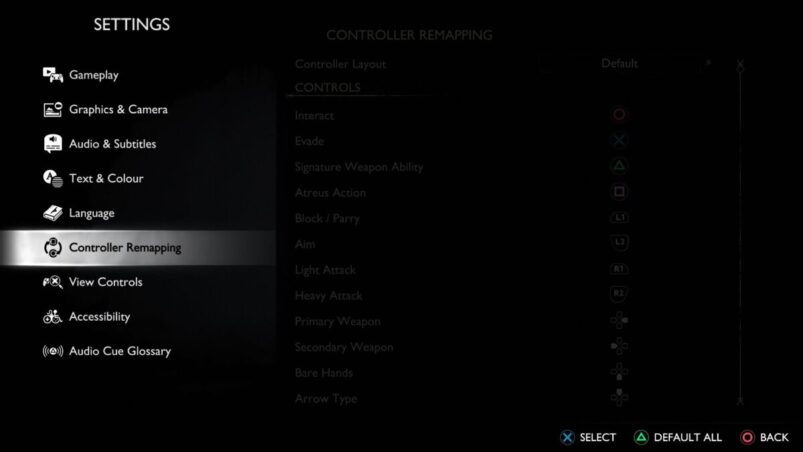
God of War Ragnarok is a cross between the classic God of War from earlier generations and the more recent action RPGs that have dominated the gaming landscape for a while. As such, it might feel like there’s a bit too much crammed onto the controller for some people, but luckily you can remap controls in Ragnarok without much fuss.
To remap controls in God of War Ragnarok, simply go to Settings > Controller Remapping, then start editing what input you want, whether that’s on DualSense or DualShock 4. Easy as that. You can also change the default layout to be inverted at the top of this screen.
One of the coolest features of the game is the ability to map a direction on your controller’s touchpad to a set selection of different inputs that you can just swipe to use. Being able to swipe up on the touchpad is a neat little touch, for sure. Just scroll down in the controller remapping section to find this extra setting.
God of War Ragnarok is available on PS5 and PS4.
READ NEXT: God of War Ragnarok: How To Change Graphics Mode
Some of the coverage you find on Cultured Vultures contains affiliate links, which provide us with small commissions based on purchases made from visiting our site.
