


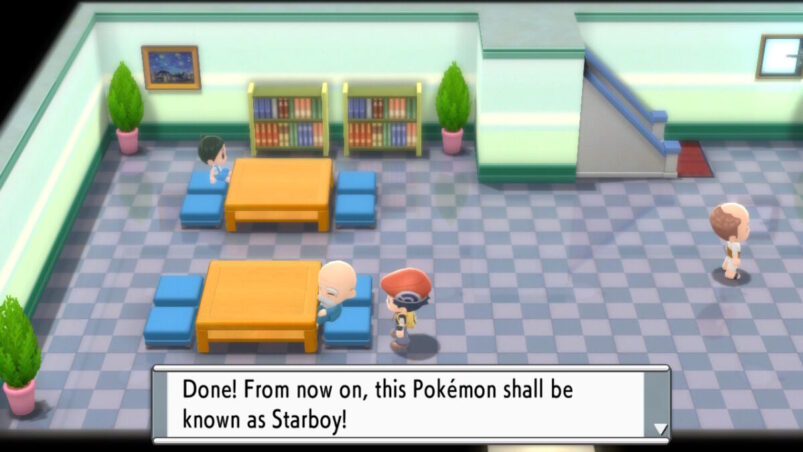
Pokémon Brilliant Diamond and Shining Pearl are two games with a whole bunch of Pokémon that you will doubt want to make your own. To make them truly your own, you’ll probably want to give them their own names, especially after they evolve, but is there any way to change Pokémon names again in Pokémon Brilliant Diamond and Shining Pearl?
The answer is yes, but you will need to make some progress and beat Roark in the first gym, as well as have made your away past the dastardly Team Galactic at Valley Windworks.
To change your Pokémon’s name in Pokémon Brilliant Diamond and Shining Pearl, you need to reach Eterna City, one of the biggest locations in the game, and find the Name Rater.
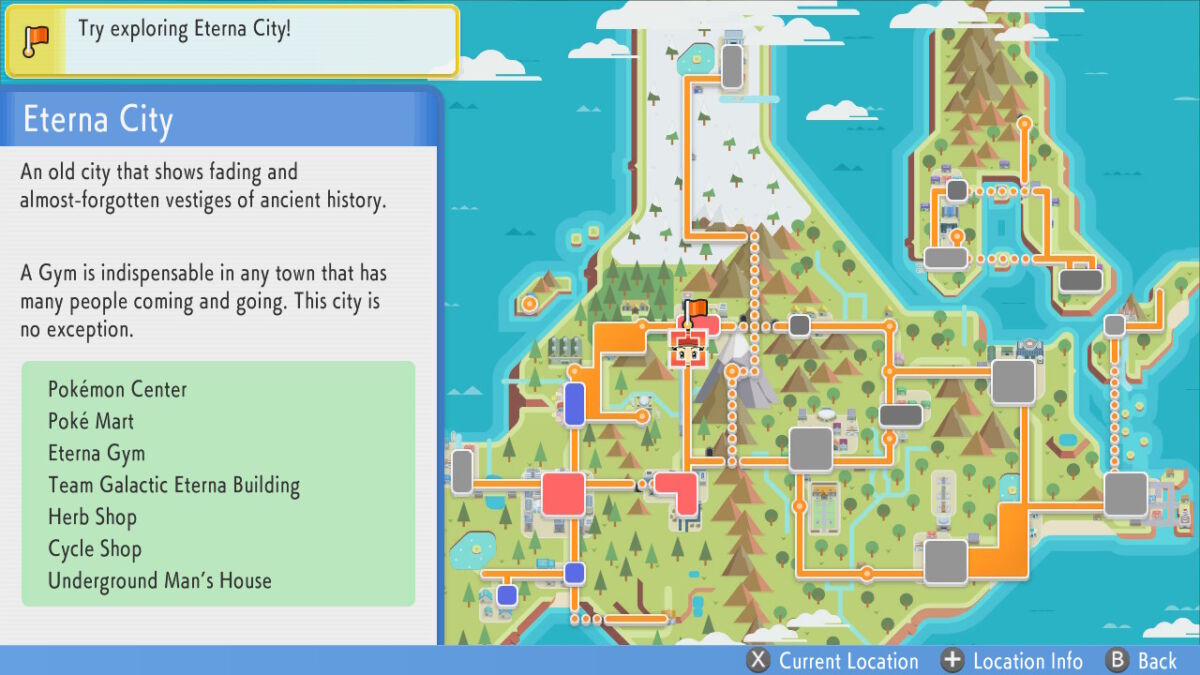
Once in Eterna City, head to the south and find the large tower building below right next to the Poké Mart.

Talk to the old man on the left as you enter. This is the Name Rater.

The Name Rater will always rate your names positively, but he’s not actually in the game to rate their names. He will happily change the names of any of your Pokémon free of charge as many times as you need.
Pokémon Brilliant Diamond and Shining Pearl are available now on Switch.
READ NEXT: Pokémon Brilliant Diamond and Shining Pearl: How To Fish
Some of the coverage you find on Cultured Vultures contains affiliate links, which provide us with small commissions based on purchases made from visiting our site.
