


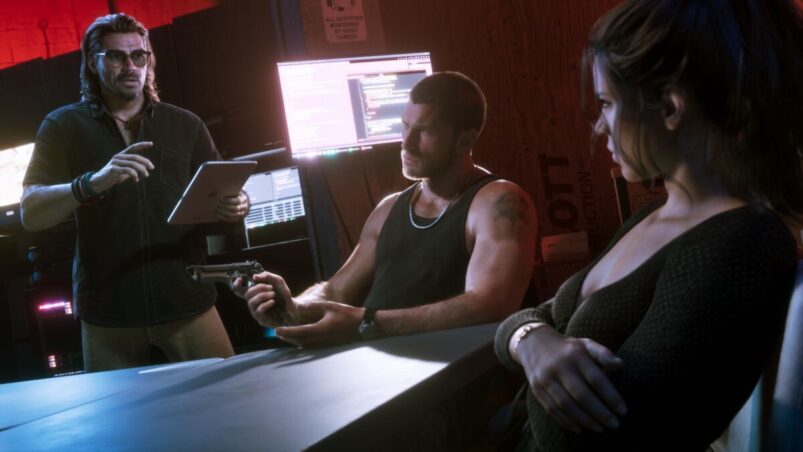
Grand Theft Auto 6 gives you a lot of information to help you live your best criminal life in Leonida. Sometimes, too much information. Did you know that Adrenaline can give you a temporary boost to your health, stamina and focus? However, there are a bunch of hidden, often really quite helpful controls that about 90% of players could very easily miss in a game as big as this.
Check out some of the GTA 6 hidden controls we found below, ranging from telling someone what you think of them to giving massive hugs. These use the default control schemes, with PS5 buttons first and Xbox buttons second.
GTA 6 On-Foot Hidden Controls
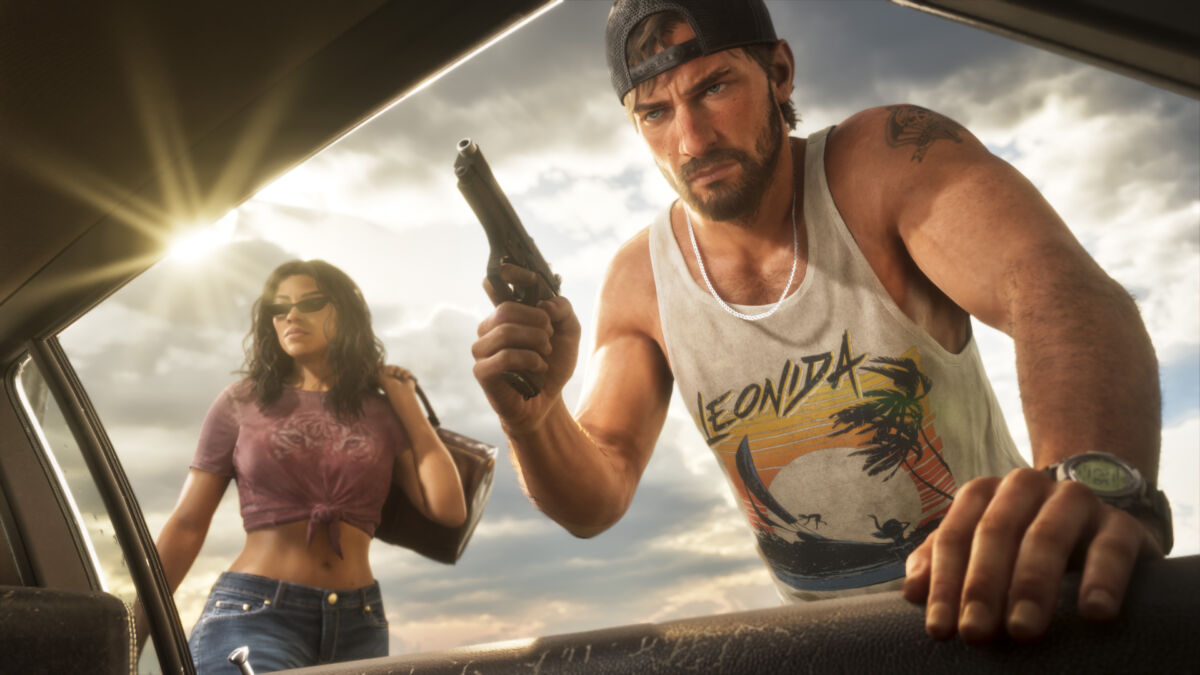
Lean on a barrier
Stand close to a railing or wall and hold Circle / B. Try the same thing at the edge of a dock or pool and Jason or Lucia can sit down and dip their feet in. Lovely.
Listen to the radio on foot
To do this, buy earbuds or headphones at Zeke’s Gadgets in Hamlet or any location on the map with an icon for a pair of headphones. Then, equip them from the item wheel, then hold D-pad Left to pick a station. Double-tap D-pad Left to switch the radio on or off. Tapping left will change the station.
Give someone the middle finger
Put your weapon away, hold L2 / LT to focus on someone, then press R1 / RB. Try it on a pedestrian and stick around for their reaction. In a car, just hold R1.
Flick a lit cigarette
While smoking, hold R2 / RT to flick it straight ahead.
Swap which hand holds your drink
Press D-pad Left while carrying a drink to pass it to your other hand. You can even pass drinks to your partner.
Turn your cap backwards
Open the wheel with L1 / LB, go to Items, highlight a compatible cap and use the Wear Style prompt. You can also take off hats or sunglasses from the wheel.
Hug or kiss your partner
Walk up to Lucia or Jason, hold L2 to target them and then hold Square / X. Lucia hugs Jason, while Jason will give a full snog to Lucia. These last until you use the left stick to pull away.
Feed a dog or cat
First, you will need to buy some animal food. You can find these quite often at garages. Focus on the dog or cat with L2 / LT, then praise it until the feed option appears. Each character has their own food supply to give to pets.
Slide across a car bonnet
Sprint towards the bonnet and press X / A as you reach it.
Change your pose in a selfie
Open the phone camera and click the right stick to switch to selfie mode. D-pad Up/Down changes your pose and Left/Right changes your facial expression. If you have your partner with you, you can even do a partner pose to boost your relationship.
Look at something in first person
Stand still, hold L2 / LT and click the right stick. Keep holding the left trigger and use R2 / RT to zoom. Handy for reading signs or posters. You can even ADS this way if your weapon has a scope.
Switch aiming shoulders
While aiming with your gun, tap left on the D-pad to switch shoulder view. Very handy for peeking at enemies around doors.
GTA 6 Hidden Vehicle Controls
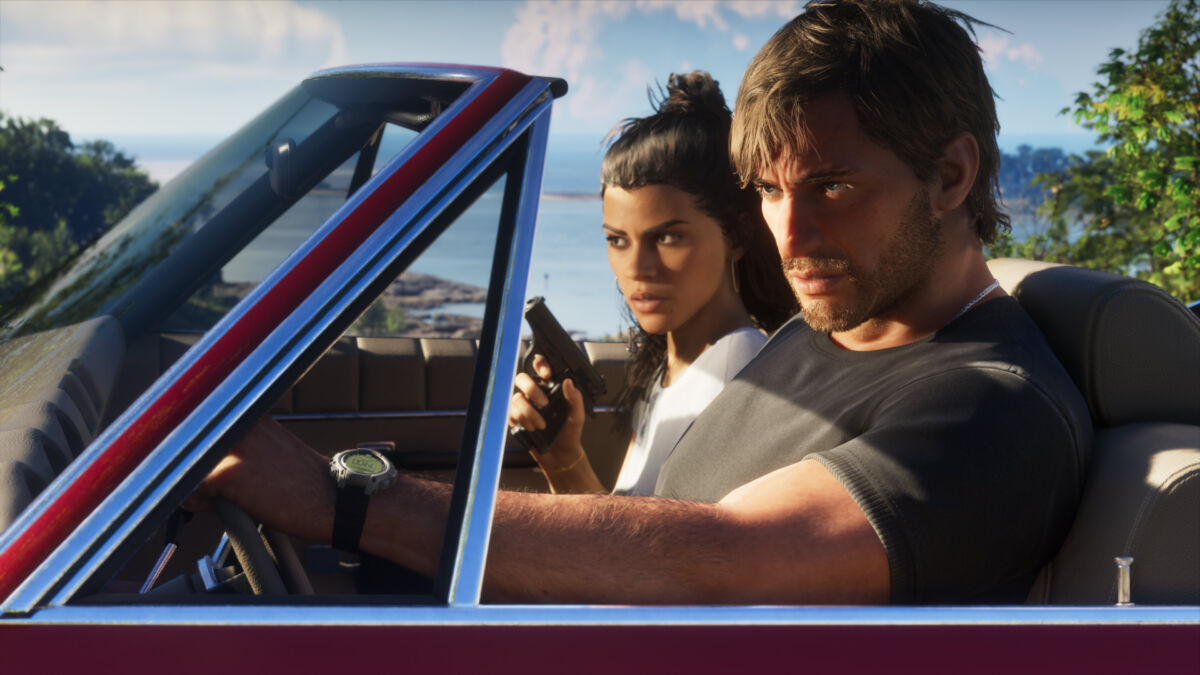
Listen to podcasts
Hours of audio content you can easily miss. Hold left on the d-pad, then flick up on the right stick to select a range of different podcasts.
Talk to people from the driver’s seat
Hold D-pad Up near a pedestrian to bring up the same interaction options you get on foot.
Duck below the window
Hold Circle / B behind the wheel to sink down in your seat. You can do it while parked if the police are looking for you. www.pushsquare.com
Get out without turning the engine off
Double-tap Triangle / Y to get out and leave the engine and headlights on. You can even keep music playing. On a moving boat, the same input lets you step away from the helm while it keeps going.
Flip and shove your vehicles
Approach your car and keep pushing the left stick until Jason or Lucia initiates pushing them. Can be quite fiddly. Then, hold Square or X to shove them. Very useful for boats stuck on land, or apparently for flipping supercars.
Auto-drive
Get into a vehicle and set a waypoint, then Hold Down on the D-pad to access the camera options. Select Options/Menu to enter cinematic view and finally hold Circle/B to activate auto-drive. Handy if you don’t want to bang up an expensive car and you can take your time.
Grand Theft Auto 6 is available now on PS5 and Xbox Series X and S.
READ NEXT: Grand Theft Auto 6 (PS5) REVIEW
Some of the coverage you find on Cultured Vultures contains affiliate links, which provide us with small commissions based on purchases made from visiting our site.