


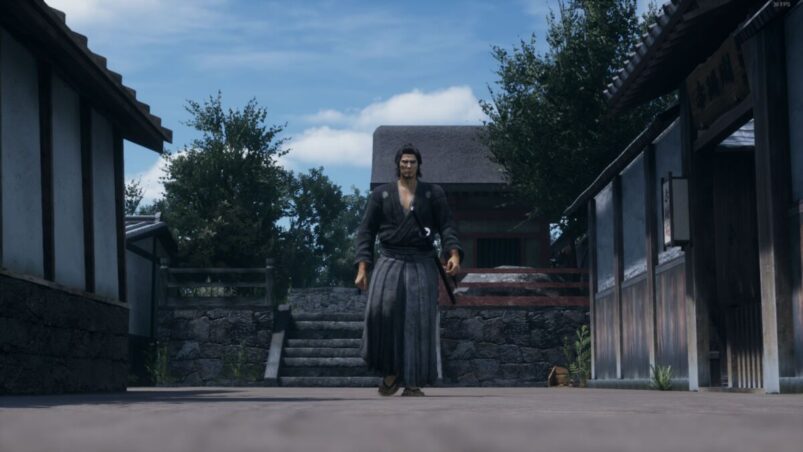
For those who’ve never played a Yakuza game before (where have you been?), Like A Dragon: Ishin might take a little bit of getting used to, particularly when it comes to combat. It’s not like many modern games out there, especially when you’re trying to figure out how to lock on to enemies and several dudes with swords are coming at you.
To lock-on to enemies in Like A Dragon: Ishin, simply press RB/R1 during combat to focus on the closest enemy and hone your attacks in on them.
However, it’s worth bearing in mind that this isn’t really a “full” lock-on as such, and is more of a soft lock. It won’t constantly track every enemy movement and you don’t get anything visible on-screen to let you know that you’ve locked on, so you still have to do a lot of the work yourself.
If you pre-ordered the game, be sure to read up on how you can get your hands on the DLC that you can practice your lock-on techniques with.
Like A Dragon: Ishin is available on PC, PS4, PS5, Xbox One, and Xbox Series X & S.
READ NEXT: The Best Samurai Games That Will Definitely Bring You Honor
Some of the coverage you find on Cultured Vultures contains affiliate links, which provide us with small commissions based on purchases made from visiting our site.
