


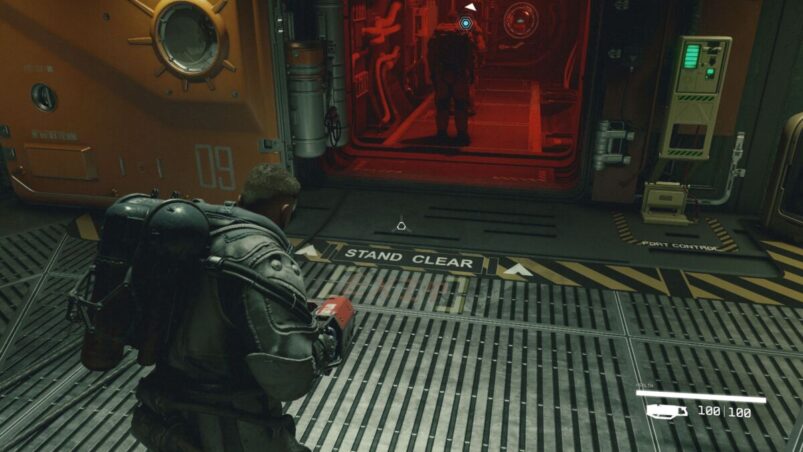
Starfield is a game with a lot of characters and a lot of tools of destruction — and sometimes you don’t want those to mix. It can be all too easy to let the evil thoughts win, and suddenly you have a town that’s very angry with you. Luckily, you can put your weapon away to get things to settle down a little bit.
To holster your weapon in Starfield on PC, simply hold R on the keyboard (pressing R reloads) and it will be sheathed. On Xbox, hold X. If you’re using a PlayStation controller on PC to play Starfield, it will be square.
You can rebind this at any point by pausing the game, Settings > Bindings and choosing from multiple options there. Holstering the weapon should de-escalate situations with people like guards, but if you’ve gone and shot a bunch of dudes, putting the murder weapon away probably won’t be enough.
We haven’t been able to properly tell if holstering your weapons makes you go faster like in something like CS, but we will update this when we know for sure.
Starfield is available on PC and Xbox.
READ NEXT: Starfield: Combat Medic Background – Skills & Info
Some of the coverage you find on Cultured Vultures contains affiliate links, which provide us with small commissions based on purchases made from visiting our site.
