



Galactic Civilizations 4 is a game of grand strategy, long-term planning, and economic management. Effective faction development over the course of a game will require an involved approach of all mechanisms of power to create a robust faction capable of withstanding all manner of challenges.
Here’s everything you need to know about the major elements of managing an empire in Galactic Civilizations 4.
Galactic Civilizations 4 Empire Management
Planets
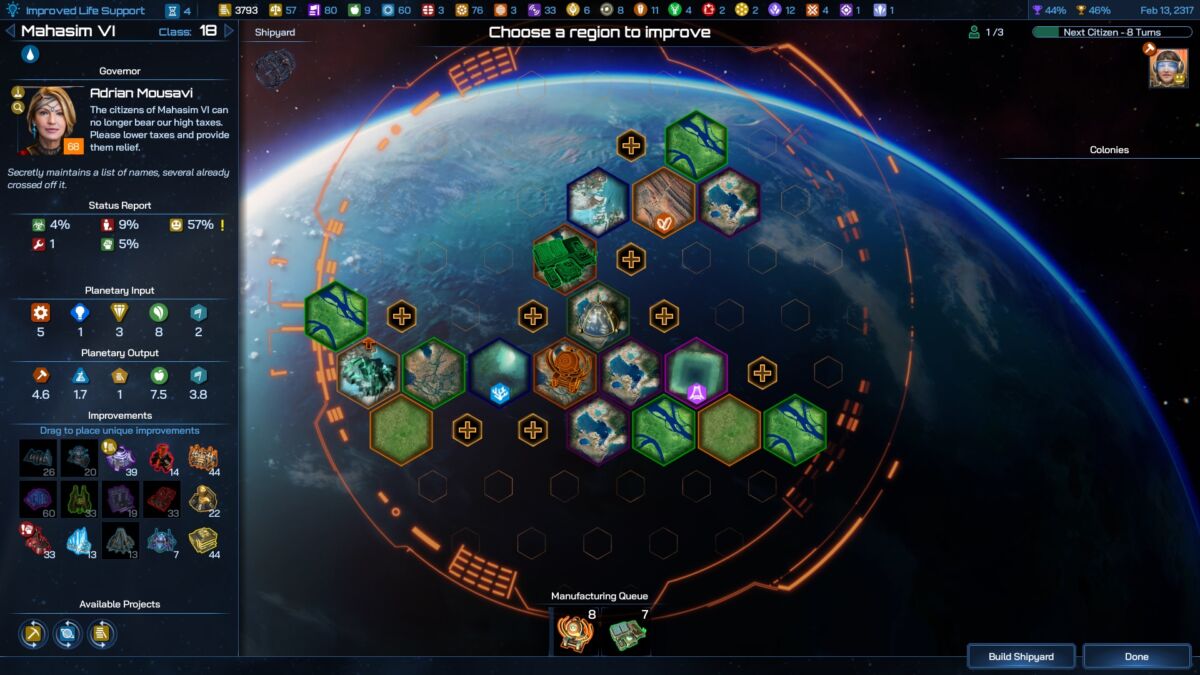
The first three elements of empire management occur on the physical gameplay map, with planets acting as the backbone of a strong interstellar presence. The more colonies you control the more resources will flow to your planets and be converted into usable resources for the production of ships and completion of projects.
The most important worlds of an empire will be Core Worlds – planets with an assigned governor with expanded management mechanics for maximum micromanagement and economic benefit. Players will spend most of their time improving and developing these planets. All other non-Core Worlds or Colony Worlds will feed your centerpiece planets with resources to make them into production powerhouses.
Installations

The next on-map management aspect of an empire is orbital installations. Shipyards, the most basic installation, is a massive factory that lets you produce ships and other projects. These can only be built at a Core World and will utilize the planet’s Manufacturing value to produce assigned items.
The second main installation is the Starbase, a structure that can only be built by specialized Constructor vessels. Starbases will act as strong points and mining hubs that mine strategic resources, provide vision, and spread your faction’s influence to nearby space.
Sectors of space will be littered with concentrations of various resources and the only way to harvest them is to place Starbases in nearby space. Starbases can be further upgraded with modules that can improve various aspects of the station, such as defensive weapons, mining efficiency, or specialized equipment for exploiting special resources.
Fleets
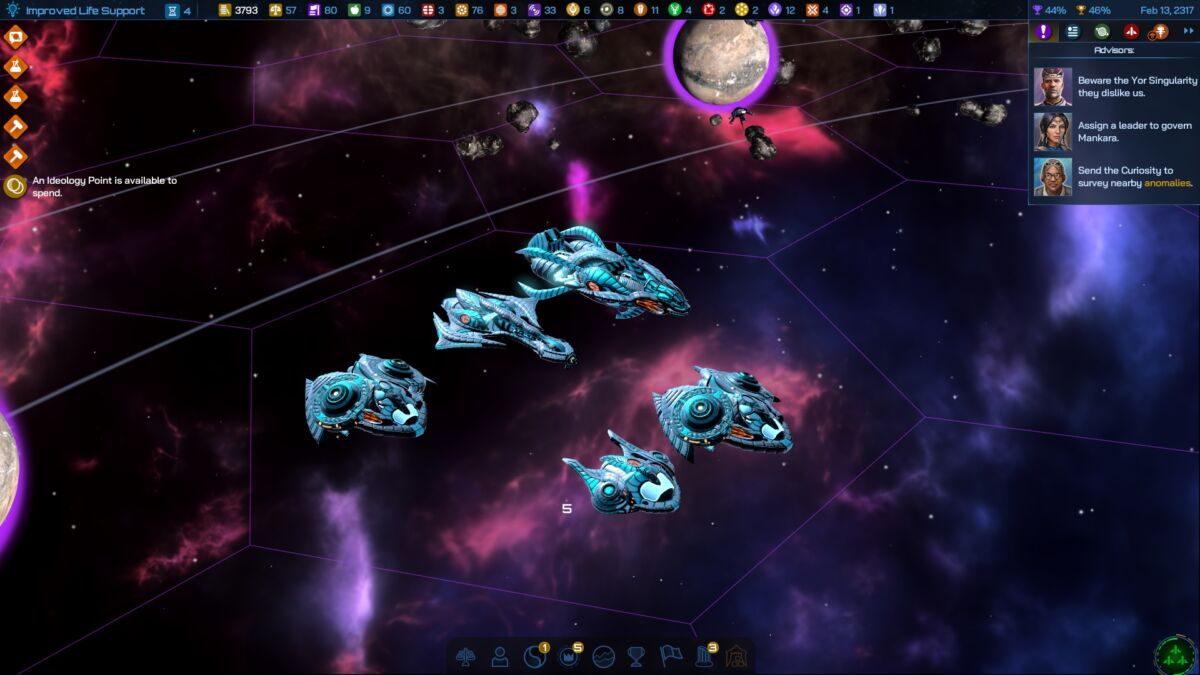
Finally, the second most important on-map asset to manage is ships and fleets. These will be your forces that protect your planets and installations, survey anomalies, and take the fight to hostile empires. You can build ships from shipyards or spawn new vessels from technology, assign Leaders to Commander postings, or unlock certain Ideology features.
Fleets, or groupings of multiple ships, form when several ships enter the same tile. Each fleet has a logistics rating that limits the number of ships that can be in a single fleet, so in all likelihood, players will have many fleets operating at any given time.
Civilization

Aside from the expansive map, players will spend a lot of their time managing their empire from a number of menus and panels, found in the empire management tab at the bottom of the screen. Going from left to right, the first menu is the Civilization menu.
Here players can manage their empire-wide tax rate, track their faction’s stats and trade routes, set up automation algorithms, and, most importantly, enact policies. Policies allow players to customize their government’s features by buffing and affecting various parts of the empire. You will unlock new policies from technology and Ideology.
Leaders
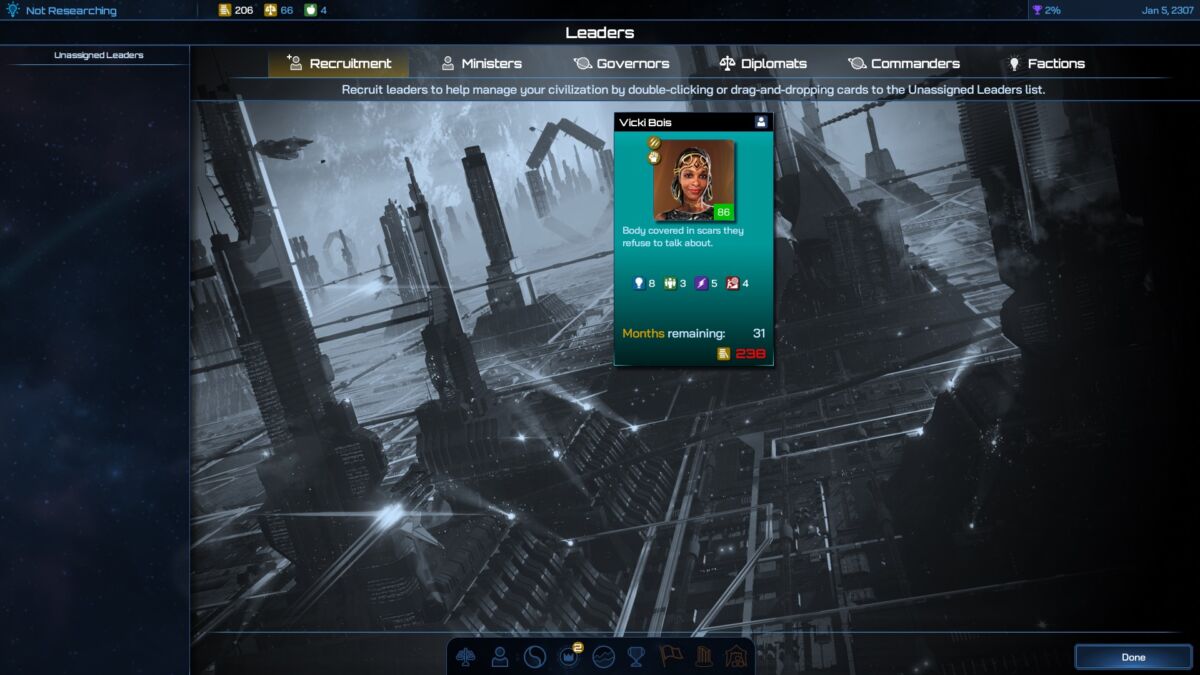
The Leaders screen lets the player recruit special characters that can be assigned to a variety of important managerial roles and tasks. These include governing colonies to convert planets into Core Worlds, acting as diplomats with other factions, taking command of your one-of-a-kind flagships, or liaising for internal political factions of your empire.
Ideology
Depending on your civilization’s features, pre-dispositions, and responses to events, your empire will develop in seven different philosophies, each with two paths. In this screen, you may spend Culture Points you earn throughout a playthrough to activate specific unlocked ideological tenets. Each tenet may grant an immediate or permanent effect that benefits your empire in some way.
Executive Orders
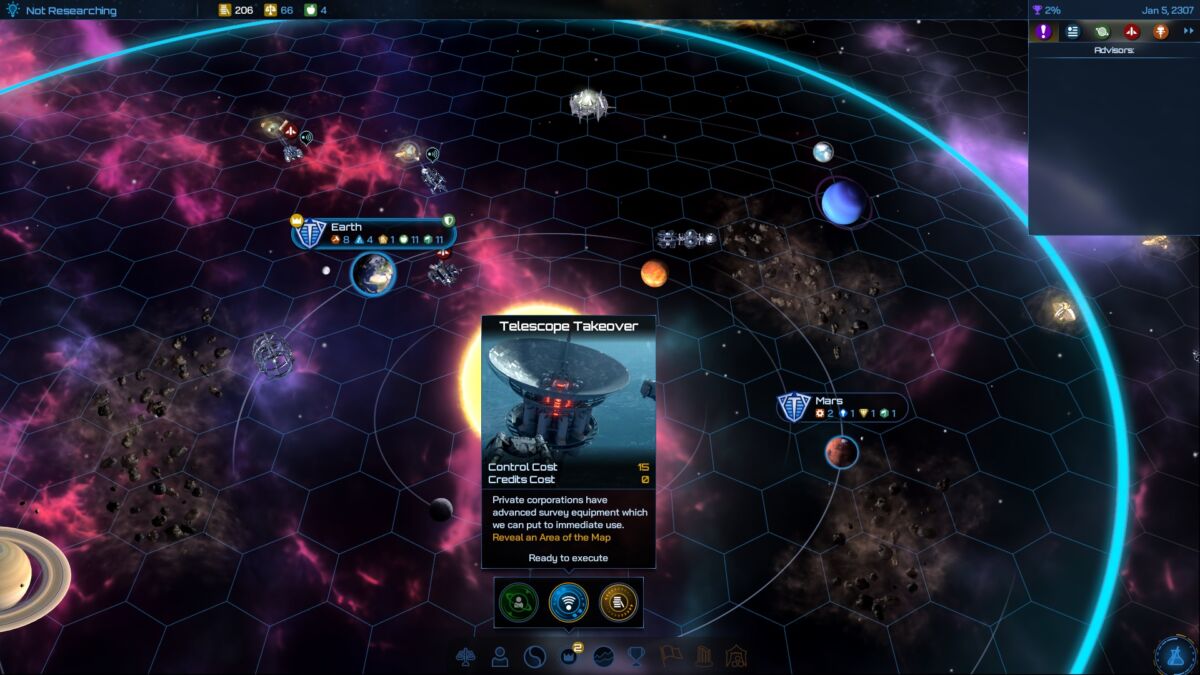
When selecting the Executive Orders button, players will notice a small pop-up window with color-coded icons. These icons represent the orders you may enact to grant you some kind of single or timed effect.
To enact an Executive Order, you’ll need a sufficient amount of the prerequisite Control resource. New orders will typically unlock through technology.
Data Bank
While not directly used for managing your empire, the Data Bank is a database of graphs and filters that allow you to track the performance of factions you have met in the galaxy. Players can view a variety of parameters, such as economics, military strength, and the like to get a sense of their empire’s position compared to their neighbors and counterparts.
Galactic Challenges
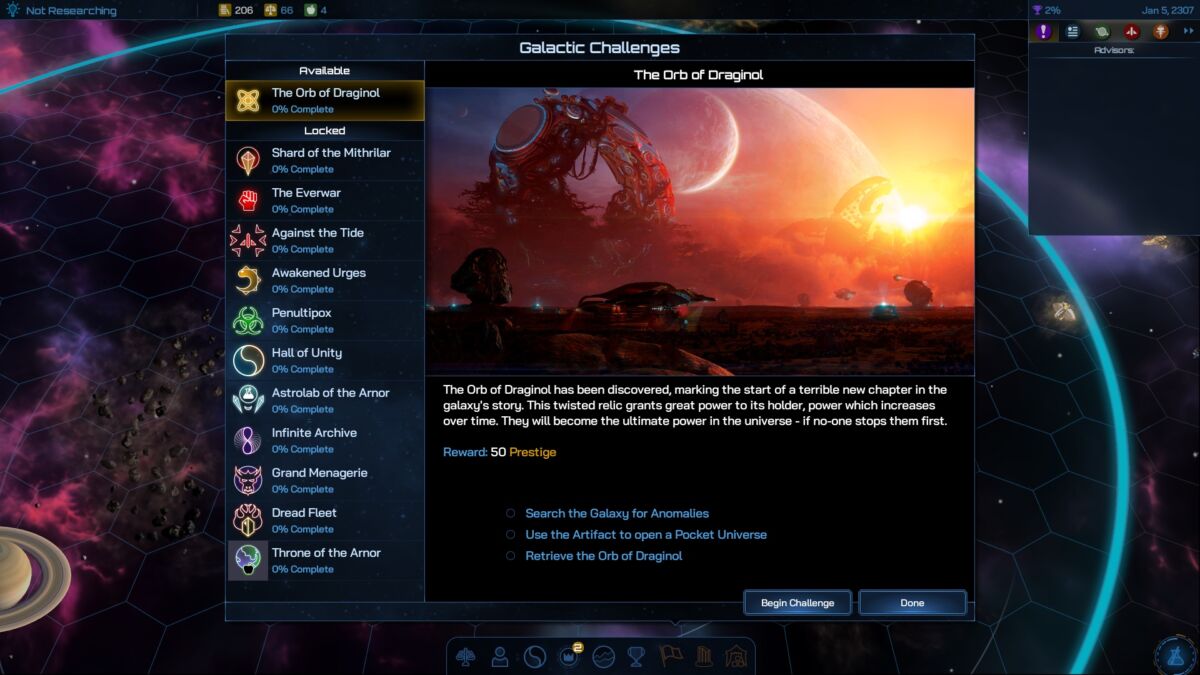
The Galactic Challenges menu lists all the available quests players can embark on to earn the Prestige resource – a resource necessary for victory. These quests will typically have difficult or tricky conditions to meet before you obtain the reward. New Galactic Challenges may unlock throughout your playthrough, so return periodically to see which ones become available and are feasible for your empire.
Galactic Civilizations 4 is available on PC.
READ NEXT: 15 Best Fantasy Strategy Games of All Time
Some of the coverage you find on Cultured Vultures contains affiliate links, which provide us with small commissions based on purchases made from visiting our site.
