



In Grand Theft Auto 6, changing your style is easier than ever. There are dozens of clothing stores dotted across the map with millions of potential combinations. As well as making you look good, sunglasses and hats also let you evade the cops. Want to lose the sunglasses without going shopping for an entirely new outfit? GTA 6 puts accessory controls in your loadout wheel, alongside the more immediately useful business of choosing a gun, but there is a bit of fiddling when it comes to selecting your default options.
How To Remove Accessories
Fairly straightforward, this one, but there are a lot of controls in GTA 6 so it’s easy to get mixed up. I still take a minute to remember which d-pad button does what after 150 hours. With the default PS5 controls:
- Hold L1 to open the loadout wheel.
- Press R1 to switch to Items.
- Highlight your hat or sunglasses with the right stick.
- Press X when the Take Off prompt appears.
The wheel marks wearable items as On or Off, letting you check whether an accessory is currently equipped. If there’s a red symbol next to your accessory, it means the police last saw you wearing them, so swap it out for an easier life.
How to Change Hats, Masks and Sunglasses
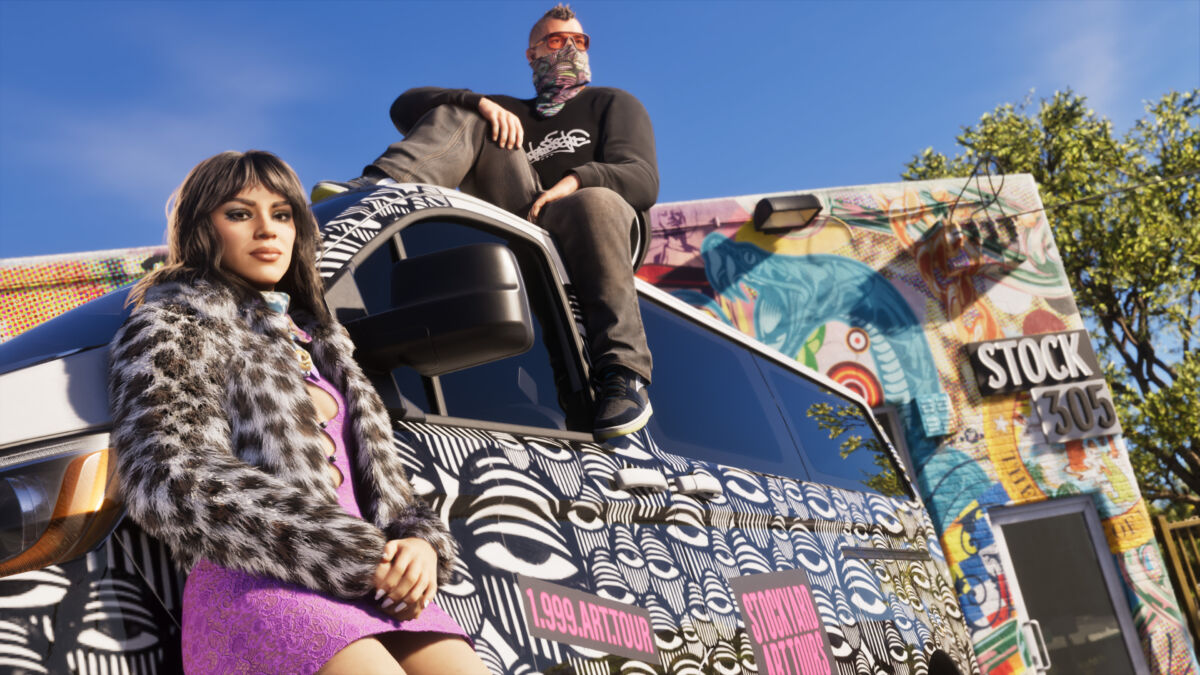
This one’s a bit less intuitive as the UI for changing accessories is not particularly great in GTA 6. Lucia was wearing her Arthur Morgan hat for me for a bit too long.
So, if you want to change which accessory you wear, you will need to go to your wardrobe in your changing room, or visit particular shops that have changing rooms. Slingers seem to have changing rooms quite often.
Find the accessory and then select it to wear it. This will then become the default wearing option. Sounds simple, but once you back out of the wardrobe, the accessory may be gone. That’s because you will still need to select the accessory to On in your Items.
You can actually change hats, masks and sunglasses while out in the field. In your wardrobe, select to add your accessory to your trunk by pressing square. Then, go up to your trunk, hold L1 for loadout, then switch to Items and press L2 and R2 to cycle through the options. You can even store whole outfits in your trunk. Very useful if you want to quickly switch up your appearance after a heist.
How To Change Wear Style
Some clothing slots also have a Wear Style prompt controlled through the D-pad. Most caps, for instance, can be flipped backwards, all cool style.
You can make these adjustments directly through the wheel, so there’s no need to return to a wardrobe just to take your glasses off.
Need more GTA 6 guides? Here’s how to complete maybe the creepiest GTA mission ever.
Grand Theft Auto 6 is available now on PS5 and Xbox Series X and S.
READ NEXT: Grand Theft Auto 6 (PS5) REVIEW
Some of the coverage you find on Cultured Vultures contains affiliate links, which provide us with small commissions based on purchases made from visiting our site.